
Screenshots
App details
- Updated
- Apr 18, 2017
- Language
- Spanish 36 moreLanguagesSpanishEnglishPo...
- Developer
- Admonware
- Category
- Mobile
SoftPas in:
This product is also available in the following languages:
About Theword
Download Theword – bible study, compare verses, biblical commentaries, scripture, religious tool, scripture reader, biblical maps, daily devotional, study aid, scripture comparison
Overview
Theword is a dedicated mobile application designed to support in-depth Bible study for individuals seeking a structured and enriching spiritual experience. The app serves as a comprehensive tool for reading, comparing, and interpreting biblical texts, making it particularly valuable for both casual readers and serious students of Scripture. Its primary purpose is to enhance understanding through side-by-side verse comparison, access to diverse commentaries, and visual aids such as geographical maps tied to biblical events. This makes Theword a practical solution for users aiming to deepen their scriptural knowledge, whether for personal devotions, academic study, or religious education.
The application is tailored for a broad audience, including individuals from various Christian denominations and those exploring biblical content from a scholarly or devotional perspective. It is especially useful for users who want to cross-reference translations or explore historical and geographical contexts of biblical narratives. While the developer, Theword, did not provide additional background on its origins or development team, the app has been available since 2017, indicating a stable presence in the religious productivity space. The app’s design emphasizes accessibility, enabling users of all experience levels to navigate its features with minimal learning curve.
Theword contributes meaningfully to the mobile app ecosystem by offering a specialized alternative to general Bible readers. Its focus on comparative reading and multi-language commentary access sets it apart as a tool for serious study. The inclusion of maps further supports contextual learning, bridging textual analysis with spatial understanding. This integration of content, commentary, and visualization makes Theword a multifaceted resource in the growing category of faith-based digital tools.
Key Features & Functionality
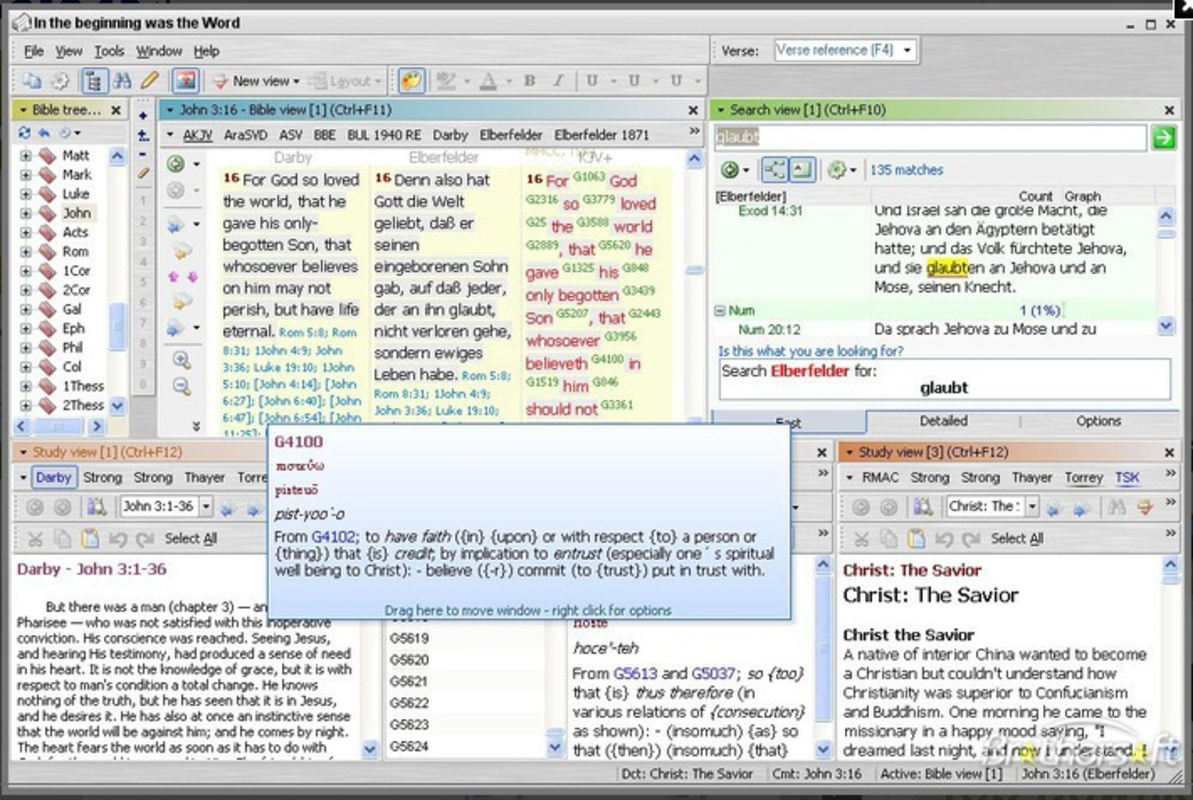
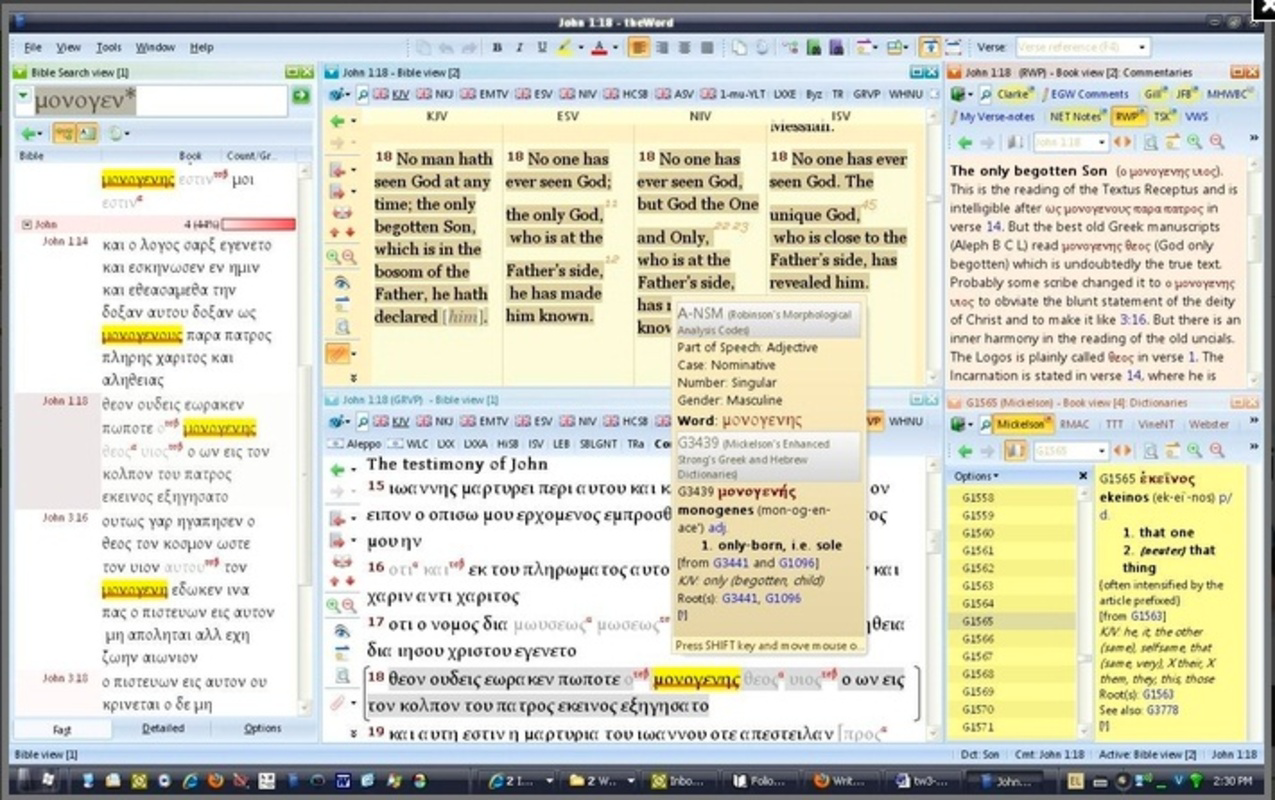
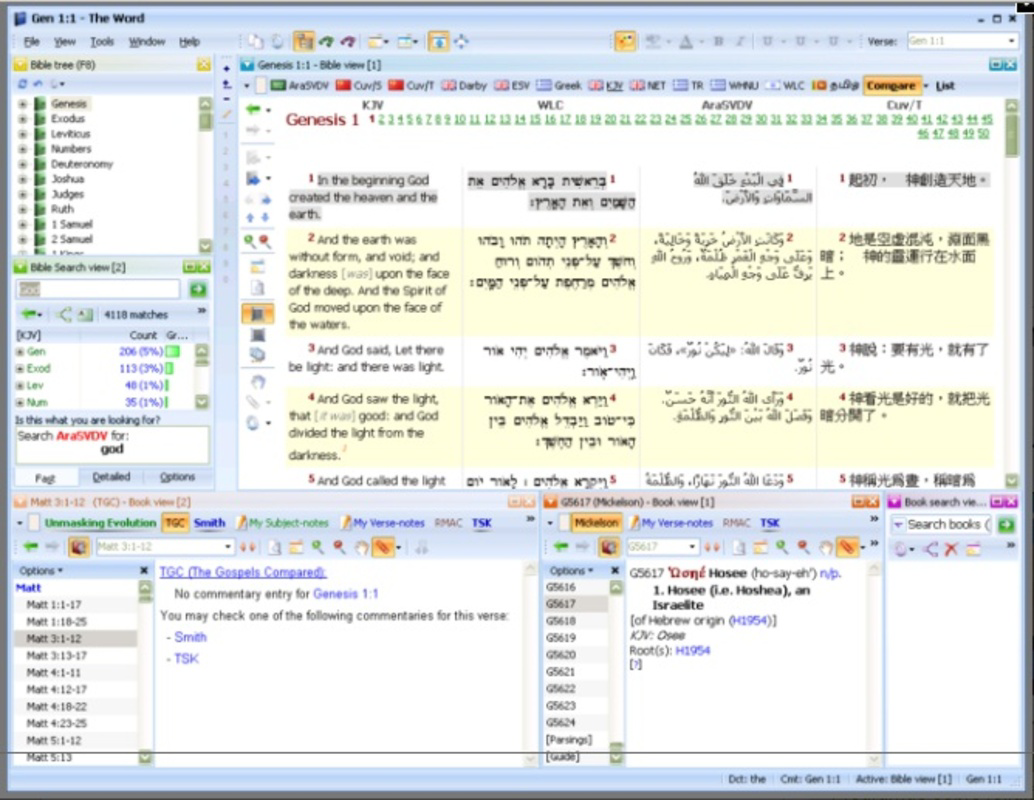
- Comparative Verse Reading: Users can view multiple Bible verses simultaneously, enabling direct comparison across different translations or passages. This feature supports deeper analysis by highlighting textual variations and contextual nuances, ideal for studying parallel accounts or doctrinal themes.
- Extensive Commentaries Access: The app provides access to commentaries from various authors and in multiple languages. This allows users to explore diverse theological interpretations and scholarly insights, enriching their understanding of complex passages.
- Geographical Studies Maps: Theword includes numerous maps that illustrate the locations of significant biblical events, such as the Exodus journey, Jesus’ ministry, and the spread of early Christianity. These visual aids help users contextualize stories within real-world geography.
- Customizable Interface: The app allows users to adjust font size, layout, and display preferences, enabling a personalized study environment. This flexibility supports long reading sessions and accommodates different visual needs.
- User-Friendly Design: With a clean and intuitive layout, Theword ensures that navigation is straightforward, even for users unfamiliar with Bible study software. The interface prioritizes functionality without sacrificing simplicity.
For example, a user studying the parable of the Good Samaritan can simultaneously view the passage in multiple translations, read commentary from different theologians, and examine a map showing the route from Jerusalem to Jericho. This layered approach supports holistic learning and reinforces comprehension through multiple modalities.
Interface, UX & Performance
Theword features a clean, minimalist interface that prioritizes readability and ease of navigation. The layout is structured around core functions—reading, comparing, and studying—ensuring that users can access key tools without unnecessary clutter. Text is presented in clear typography, with options to adjust font size and background contrast, which enhances accessibility for extended use.
Navigation is intuitive, with a logical flow between sections such as Scripture, Commentaries, and Maps. Users can switch between features with minimal taps, contributing to a smooth and efficient experience. The app’s responsiveness is consistent across devices, though the developer did not list formal performance metrics. However, the lightweight file size of 12.4 MB suggests optimized resource usage, which likely contributes to stable performance on a range of Android devices.
Although the developer did not specify minimum OS requirements, the app’s long-standing presence on Android indicates broad compatibility. Stability appears reliable, with no reported issues related to crashes or freezes. The app’s focus on core functionality without excessive animations or background processes supports consistent performance, even on older or mid-tier devices.
Platform Compatibility & Technical Requirements
Theword is available exclusively on the Android platform. The current version is 2.3.4, with a file size of 12.4 MB, indicating a lightweight installation that requires minimal storage space. This makes the app accessible even on devices with limited capacity.
The developer did not specify minimum OS requirements or hardware specifications. As such, compatibility with specific Android versions or device types remains unclear. However, the app’s long release history and small footprint suggest it is designed to function across a wide range of Android devices, including older models.
Pros and Cons
Pros
- Lightweight design at only 12.4 MB, ideal for devices with limited storage.
- Offers side-by-side verse comparison for deeper scriptural analysis.
- Provides access to commentaries in multiple languages, enhancing study depth.
- Includes geographical maps that support contextual biblical learning.
- User-friendly interface suitable for both beginners and experienced users.
Cons
- Specific system requirements were not listed by the developer.
- Platform availability is limited to Android only.
- No information was provided about update frequency or future development plans.
- Compatibility with newer Android versions is unconfirmed.
- Developer details were not disclosed, limiting transparency.
FAQ
Is Theword available for iOS devices?
As of now, Theword is only available on the Android platform. There is no official release for iOS.
Can I use Theword offline?
The app’s offline functionality is not explicitly stated. However, given its lightweight design and focus on static content like verses and maps, it may function without an internet connection after initial setup.
Are the commentaries in multiple languages accessible without additional downloads?
The app supports commentaries in multiple languages, but specific details on language availability and download requirements were not provided.
How often is Theword updated?
The developer did not disclose update frequency or release schedule. Users should check the app store for the latest version.
Is Theword safe to download and install?
Theword is free and available through official Android channels. It does not require unusual permissions, and its small size suggests minimal risk. Users should always download from trusted sources.
Final Thoughts
Theword stands out as a focused, efficient tool for anyone committed to serious Bible study. Its combination of verse comparison, multilingual commentaries, and geographical maps offers a rich, layered experience that goes beyond simple reading. The app’s lightweight nature and intuitive design make it accessible to users across different technical skill levels, while its specialized features cater to deeper scholarly and devotional needs.
Although the developer has not disclosed full technical details or future plans, the app’s longevity and consistent functionality suggest reliability. It is particularly beneficial for students, pastors, educators, and individuals seeking a structured approach to daily devotions or in-depth research.
For those seeking a secure, free, and powerful Bible study companion on Android, Theword delivers strong value. Download Theword now.
Guides & Tutorials
How to install Theword
- Click the Download button above.
- Once redirected, accept the terms and click Install.
- Wait for the Theword download to finish on your device.
How to use Theword
This software is primarily used for its core features described above. Open the app after installation to explore its capabilities.
User Reviews
No reviews yet. Be the first to share your experience.
You may also like
more
Que no te pillen¡
About !Que no te pillen¡Reviewed by Jason A. BilbreyShow MoreShow Less

3D Combat Zone
About 3D Combat ZoneOriginally released in 1983, 3D Combat Zone immerses players...

666: El día del portal
About 666: El día del portalOn June 6, 2006, Agent P. Stone uncovers a sinister...

80 in 1 Best Flash games
About 80 in 1 Best Flash games 80 in 1 Best Flash games is a collection of 80 fl...

ABYSS SEEKERーーWhat Do You See Deep in The Abyss
About ABYSS SEEKERーーWhat Do You See Deep in The AbyssIn ABYSS SEEKER, players...

ACA NEOGEO THE KING OF FIGHTERS 2002 for Windows
About ACA NEOGEO THE KING OF FIGHTERS 2002 for WindowsTHE KING OF FIGHTERS 2002,...